


Overview
In SwiftUI, the Link view is used to create navigable hyperlinks that users can tap to perform navigation to external URLs or within the app using deep links. This article explains how to use Link to navigate to web pages or to handle deep links in SwiftUI applications.
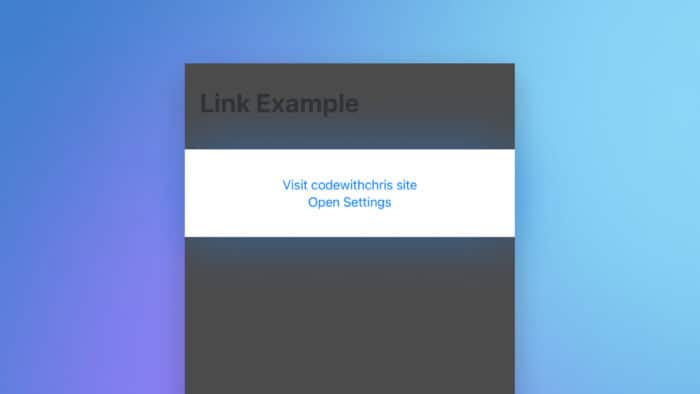
Code Snippet
import SwiftUI

struct ContentView: View {
    var body: some View {
        VStack {
            Link("Visit codewithchris site",
                 destination: URL(string: "https://codewithchris.com")!)
            Link("Open Settings", destination: URL(string: "app-settings:")!)
        }
    }
}
Code Explanation
VStack { ... }: Creates a vertical stack that arranges its children, in this case links, in a vertical layout.Link("Visit codewithchris site", destination: URL(string: "https://codewithchris.com")!): Creates clickable text labeled "Visit codewithchris site" that directs the user to the specified URL when clicked. TheURL(string:)initializer is used to create a valid URL, and!force unwraps the optional URL.Link("Open Settings", destination: URL(string: "app-settings:")!): Creates clickable text labeled "Open Settings" that uses a deep link to open the device's settings. This can be useful for navigating directly to system settings or specific app settings within the device.
This setup demonstrates how Link can be used both for navigating to external websites and for leveraging deep links to enhance the interactivity of a SwiftUI app.
Using Link in SwiftUI is straightforward and provides a powerful way to add navigational features to your app. It supports both web URLs and deep links, making it versatile for various use cases. Always ensure that the URLs are valid to avoid runtime errors.