

 6:22
6:22
Day 1
How to Make an App with Xcode 26
Get oriented, set up Xcode 26, and see the path from a new project to a working app.
iOS app development is one of the most sought after skills today.
But learning how to build apps without a plan leads to certain failure.
This beginner iOS app development series gives you the exact learning plan to gain the core skills for iOS app development.
It’s for absolute beginners and it’ll help you get results without wasting time. Ready to get started?
This learning journey follows the How to Make an App (2026) playlist.

Did you know that this beginner iOS app development series is just the tip of the iceberg? Inside CWC Plus, you’ll continue the training with advanced training and resources. Click here to learn more!

In this beginner series, you’ll gain the core skills to build your own simple apps.
In addition to that, you’ll have a solid foundation to build from and further improve your skills to build more complex apps.

Hi! I’m Chris and I’ve been bringing beginners into the world of app development for the past 5 years.
My students have gone on to land iOS developer jobs, build businesses around apps and fulfill life long dreams of building apps to help others.
The lessons in this series are 100% free
And this is the EXACT SAME lesson plan that I start all my paying students on!
You’re going to learn:

The basics of iOS app development
How to use Xcode
How to read and write Swift code
These skills form the building blocks and the foundation of all competent app developers.
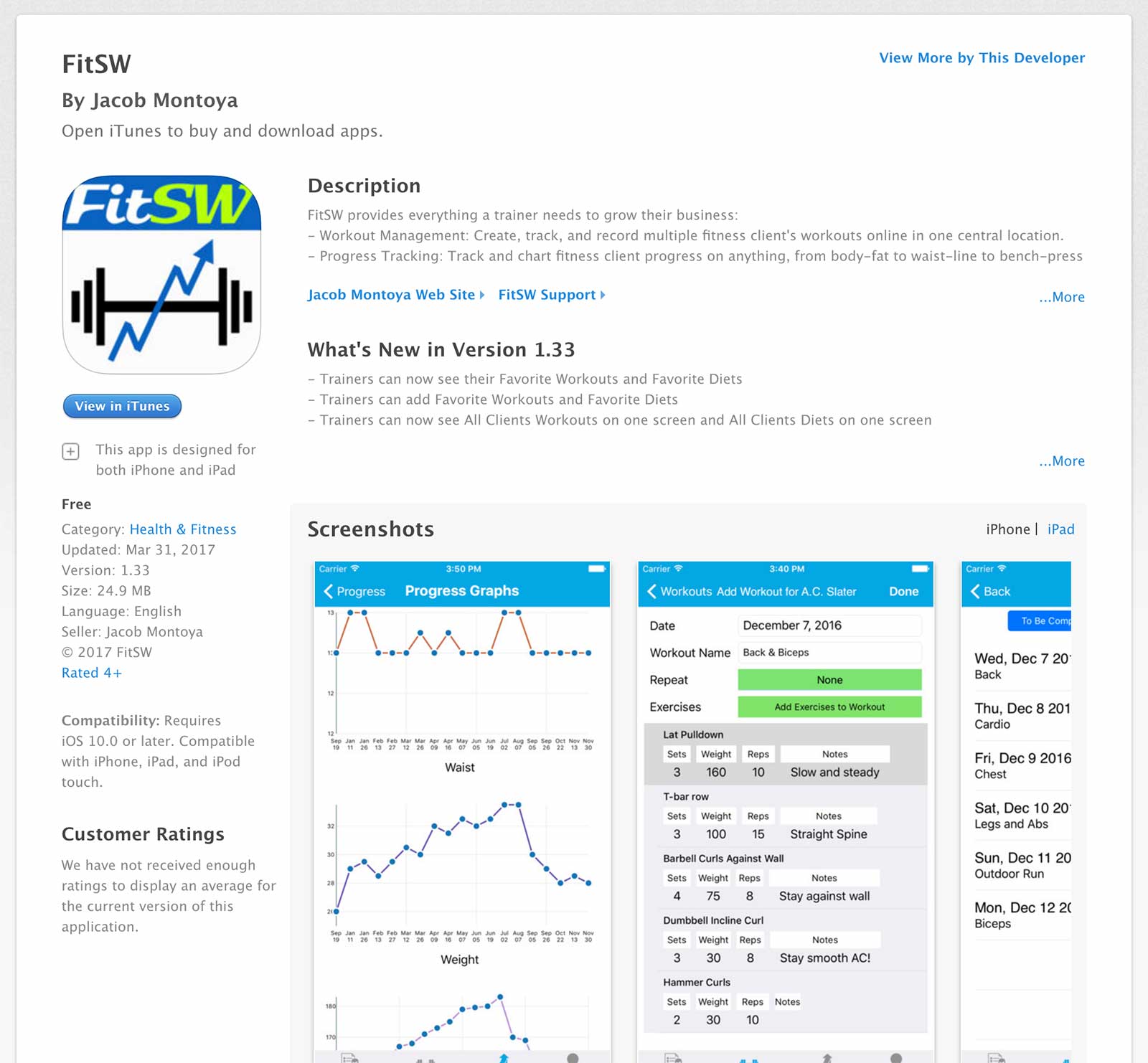
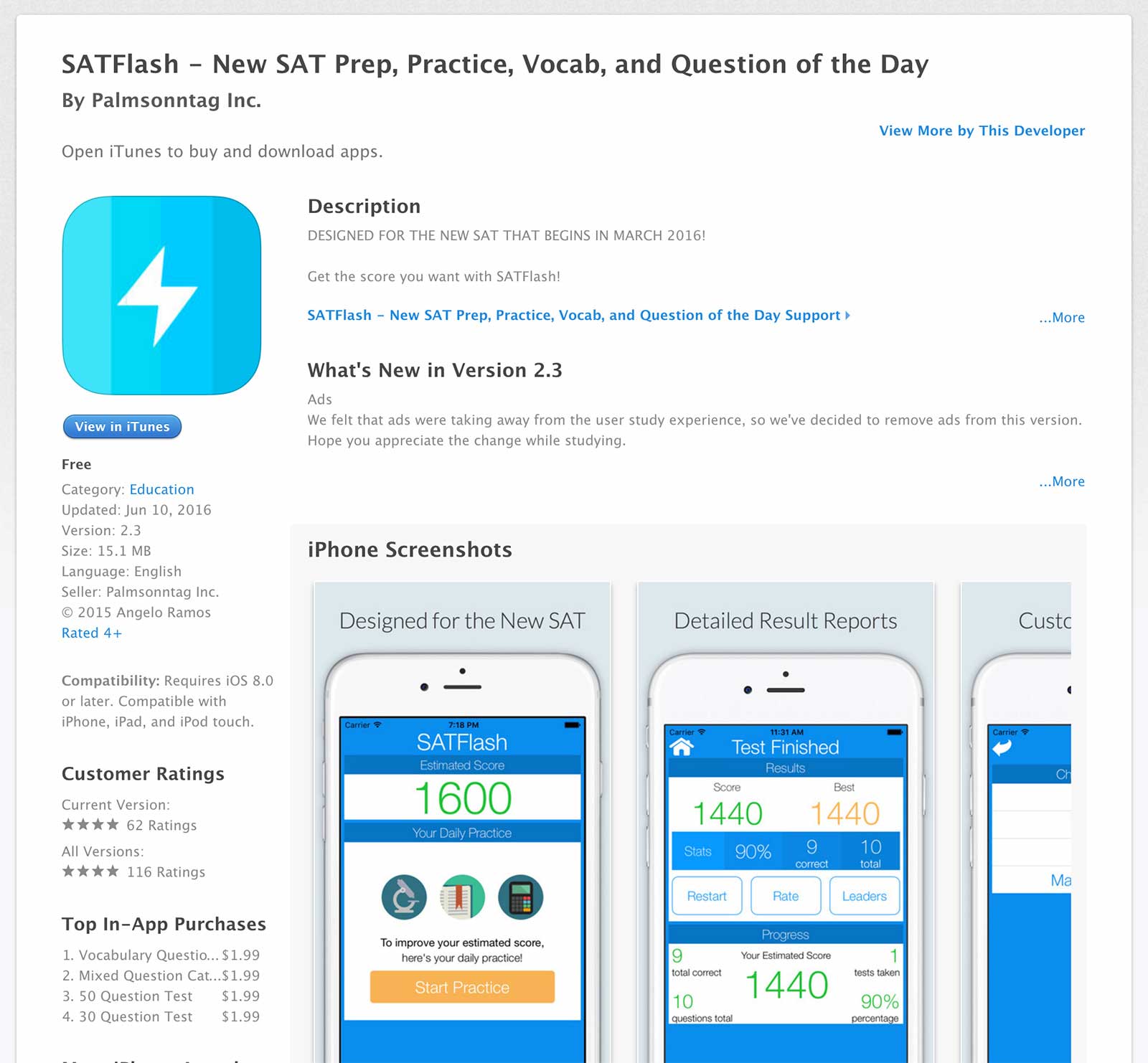
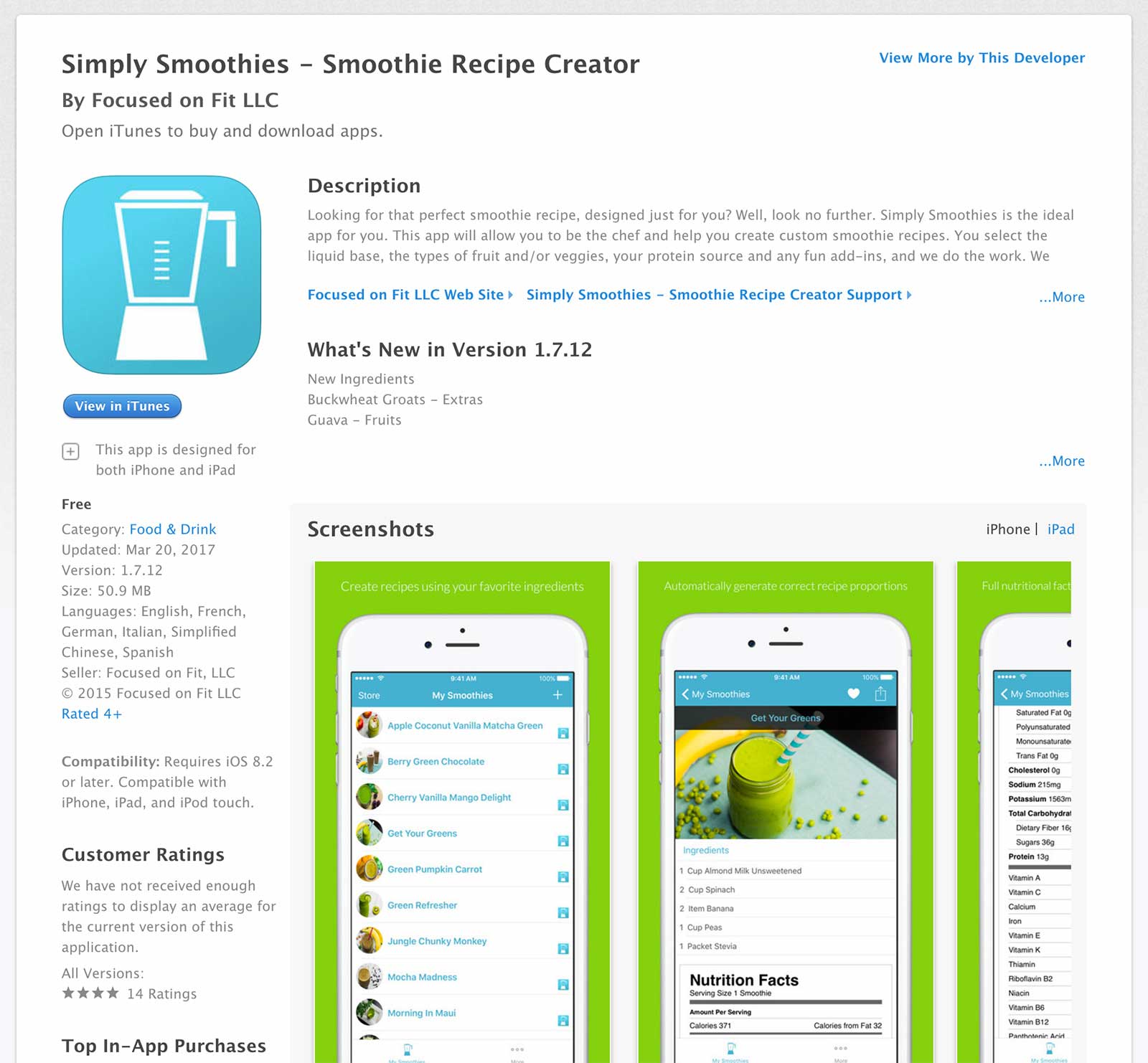
To see more success stories from real people who started with no programming experience, visit our success stories page.
I’m confident that you’ll come out of this series with skills you never thought was possible for you.
I’ve laid out the path for you to get there.
All you need to do now is to make a commitment to set aside time and invest in yourself as you work through the series.
Don’t worry if you falter, I’ll be with you every step of the way.
We have a 100% free iOS support community where you can get help from myself, the CodeWithChris team and the rest of the learners who are on a journey to learn how to make apps just like you!
I’m ready if you are!
Follow eight focused lessons to learn Xcode, SwiftUI, and Swift while building a complete War Card Game. The bonus full tutorial lets you review the entire project in one sitting.
6:22
Get oriented, set up Xcode 26, and see the path from a new project to a working app.
 23:05
23:05
Tour the Xcode workspace and learn the tools you will use throughout the series.
 40:47
40:47
Learn the SwiftUI building blocks used to create and preview an app interface.
 16:44
16:44
Start building the War Card Game and turn the SwiftUI fundamentals into a real interface.
 16:46
16:46
 6:06
6:06
 23:31
23:31
Add interactive SwiftUI buttons and connect user actions to the card game.
 22:31
22:31
Finish the game by implementing the deal, score, and win conditions.
 2:33:48
Prefer one continuous lesson? Follow the complete start-to-finish tutorial in a single video.
Congrats on completing the beginner app development series.
I hope that I was able to show you what’s possible with structured learning and the proper support.
Now that you have the core fundamentals of iOS development down, the best next step is to join CWC+ for the complete curriculum, guided projects, and support that will help you keep building.
How was the series? I’d love to hear your honest testimonial about what changed in your mindset, skills, and confidence.
You can use the button below to send me a testimonial. I really appreciate it!
Keep your momentum going with the full CWC+ curriculum and a clear path from beginner lessons to building your own apps.